QR codes you can change after you print them
Change where it goes anytime, see who scans, and turn it into a menu, a sign-up form or a work of art.
Free to start. No credit card.
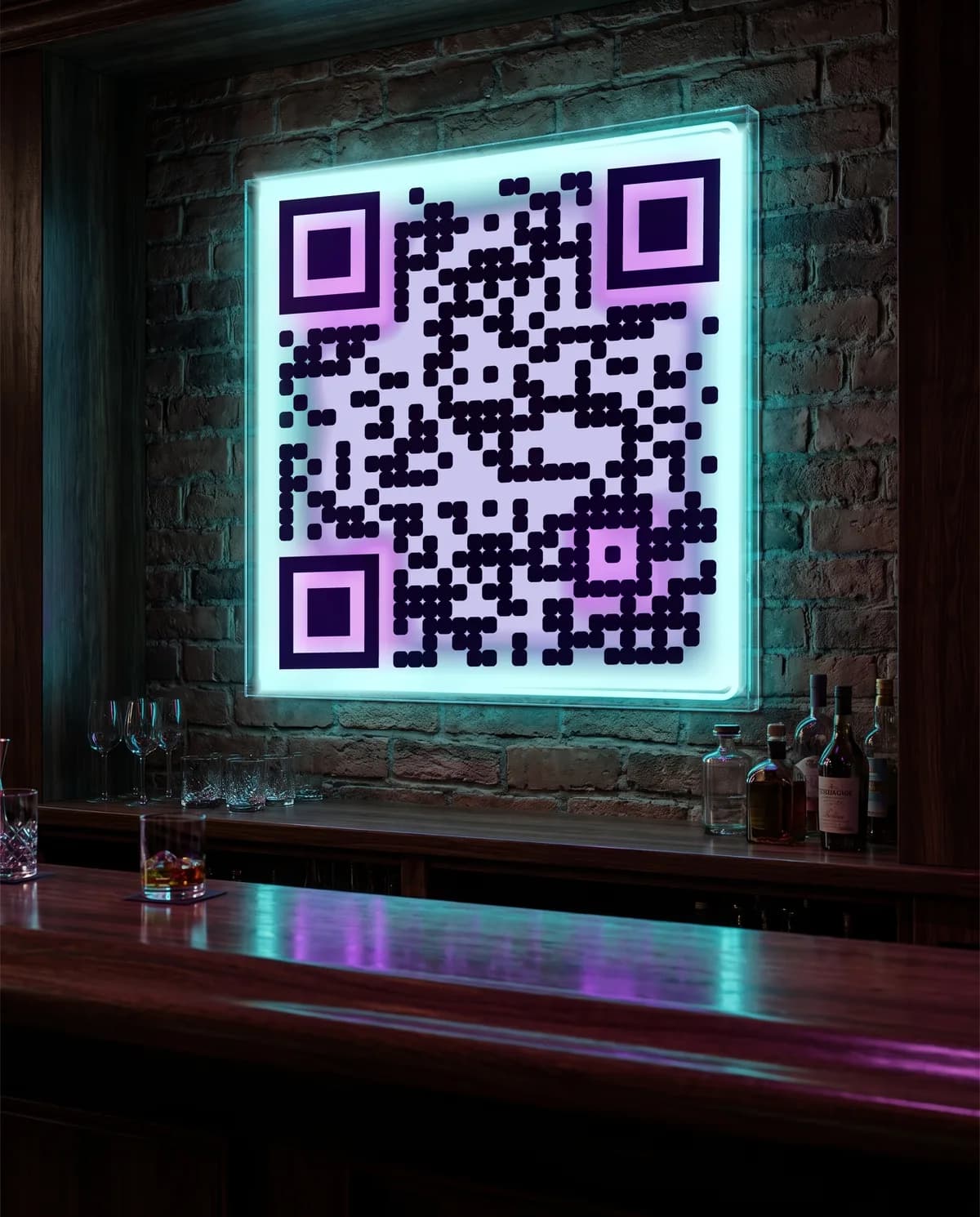
Point your phone camera at it. It really scans.
Showing: Bar & nightlife
Try it now, no sign-up
Paste a link or your WiFi details, pick a style and download your code. Codes made here are free and never expire.

Paste a link to make your code
Want to change it later or see who scans? Codes made here hold your link directly, so they never expire but can’t be edited. Make it dynamic instead: a code you can point somewhere new after printing, with a count of every scan. Try one free with an account.
How it works
Three steps, and you only print once.
Create your code
Paste a link or pick a ready-made page, like a menu or an event page. Choose colors and a style, or let AI turn it into art.
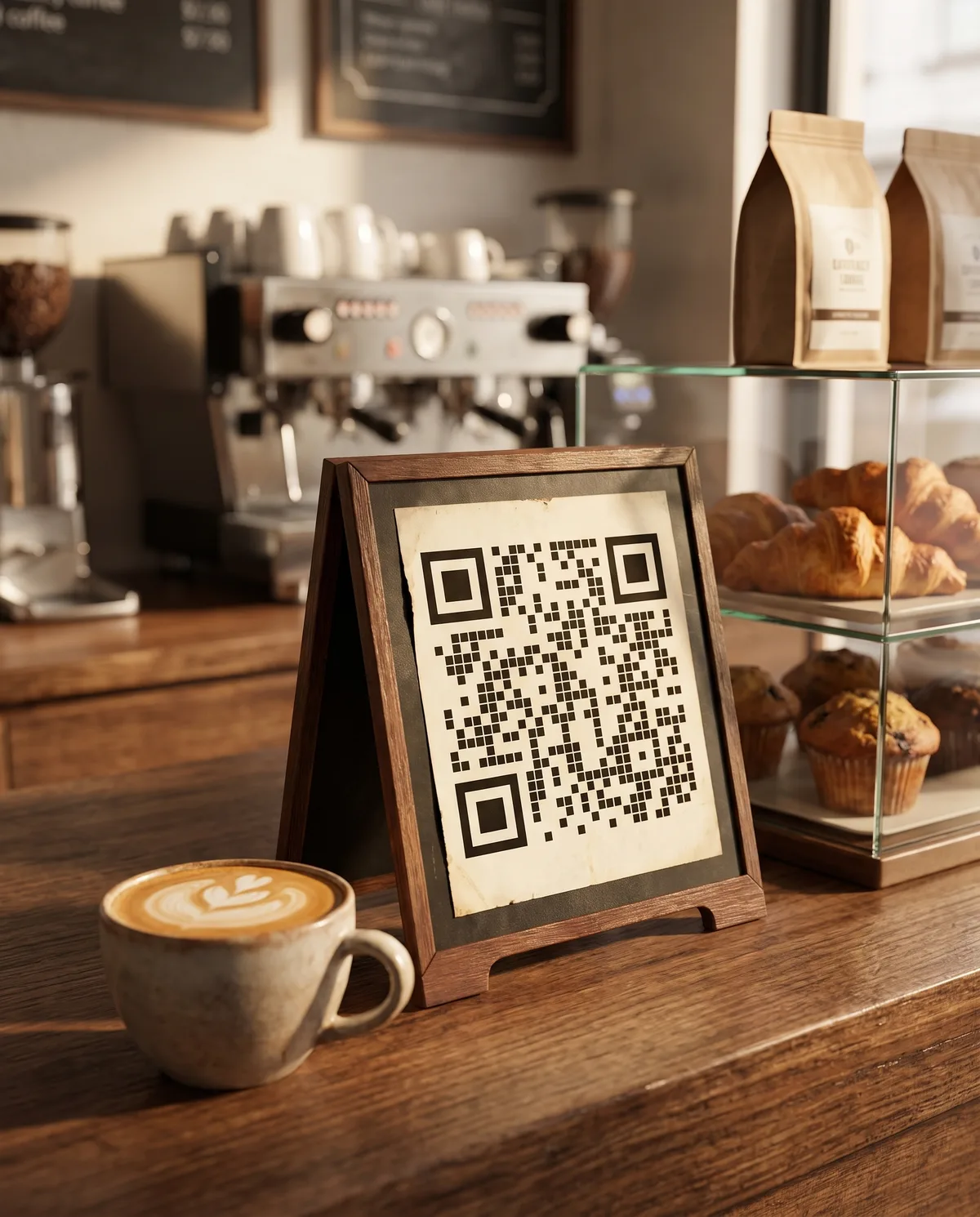
Print it anywhere
Download a PNG, SVG or print-ready PDF and put it on tables, posters, packaging, signs or business cards.
Change it anytime and see who scans
Update the link or page whenever you like; the printed code stays the same. See how many people scan, when, and on what phones.
Built for your business
Here’s what a QR code can do in your line of work. Pick yours for a step-by-step example.
Restaurants and cafés
A menu you can edit mid-service, with sold-out dishes marked.
Shops and products
A code on the box that opens care tips, the manual and a reorder link.
Events
Date, venue, directions and your ticket link on a page you can update after the posters go up.
Real estate
A listing page on the yard sign, with a form to request a showing.
Creators and musicians
One code that opens Apple Music on iPhones and your Spotify link everywhere else.
Salons and services
A page with your Book button, call and text buttons and your socials.
Hotels and rentals
A guest guide with check-in times, WiFi, house notes and local tips.
Schools and non-profits
Posters and handouts that open this unit’s slides, a sign-up form or a donation page.
More than a QR code: the page people land on
No website needed. Pick a template, add your details, and your code opens a fast mobile page. There’s no app to install, and you can edit the page after printing.
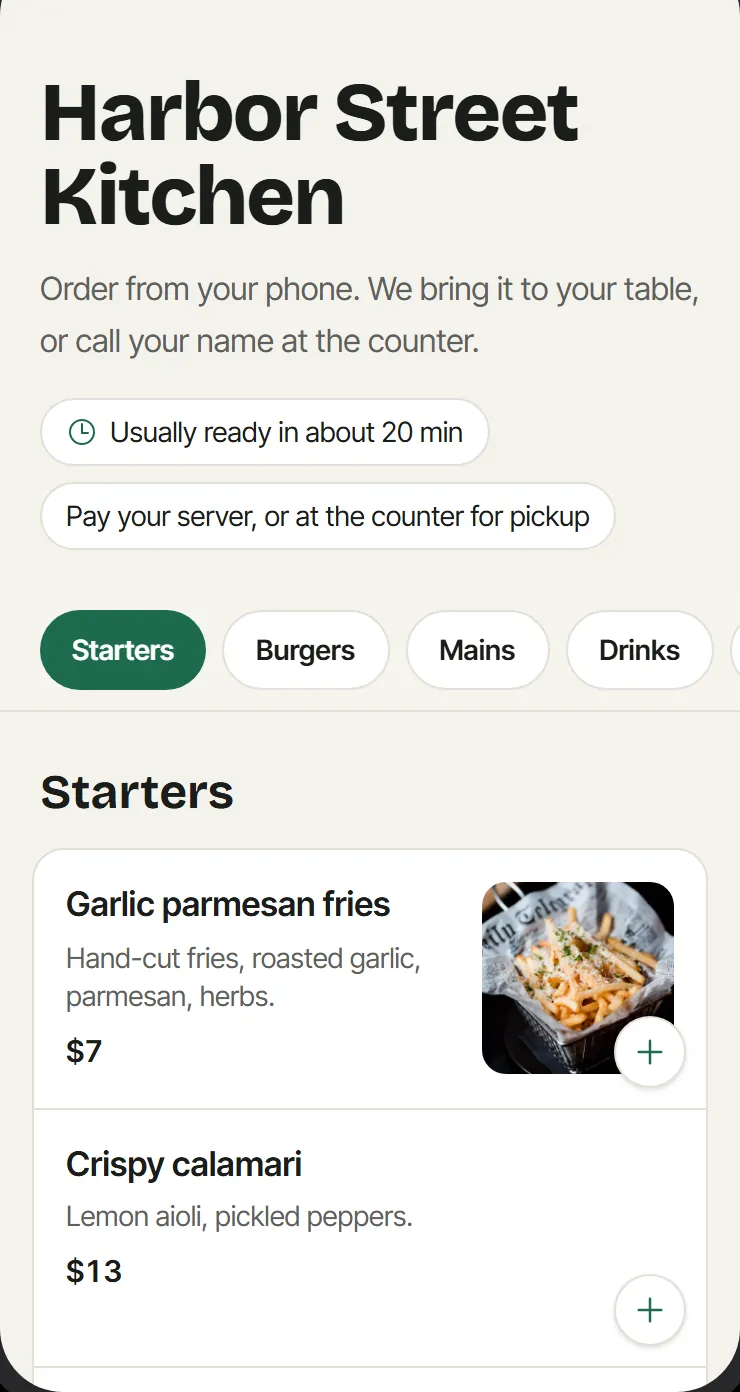
Menus and ordering
Guests browse the menu and order from the table. They pay in person.
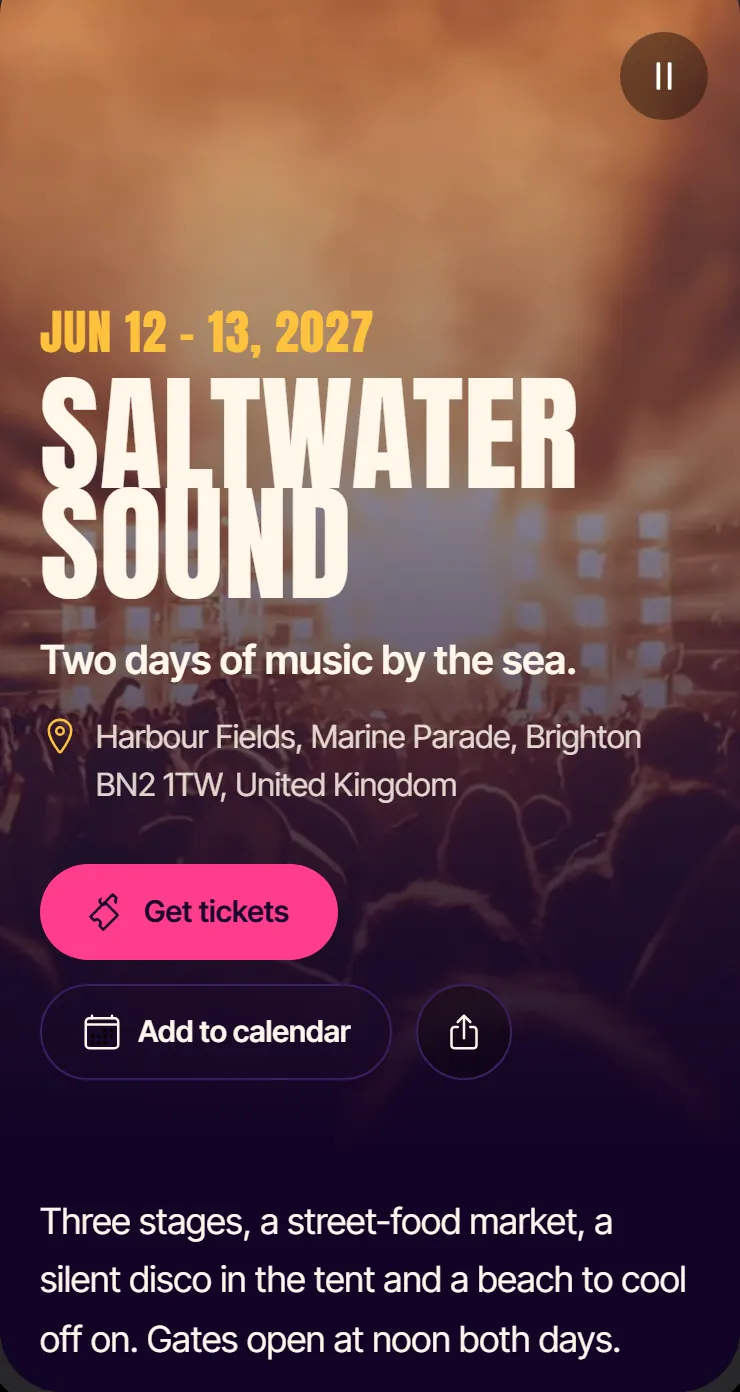
Event pages
Dates, venue, your ticket link and add to calendar, updated when plans change.
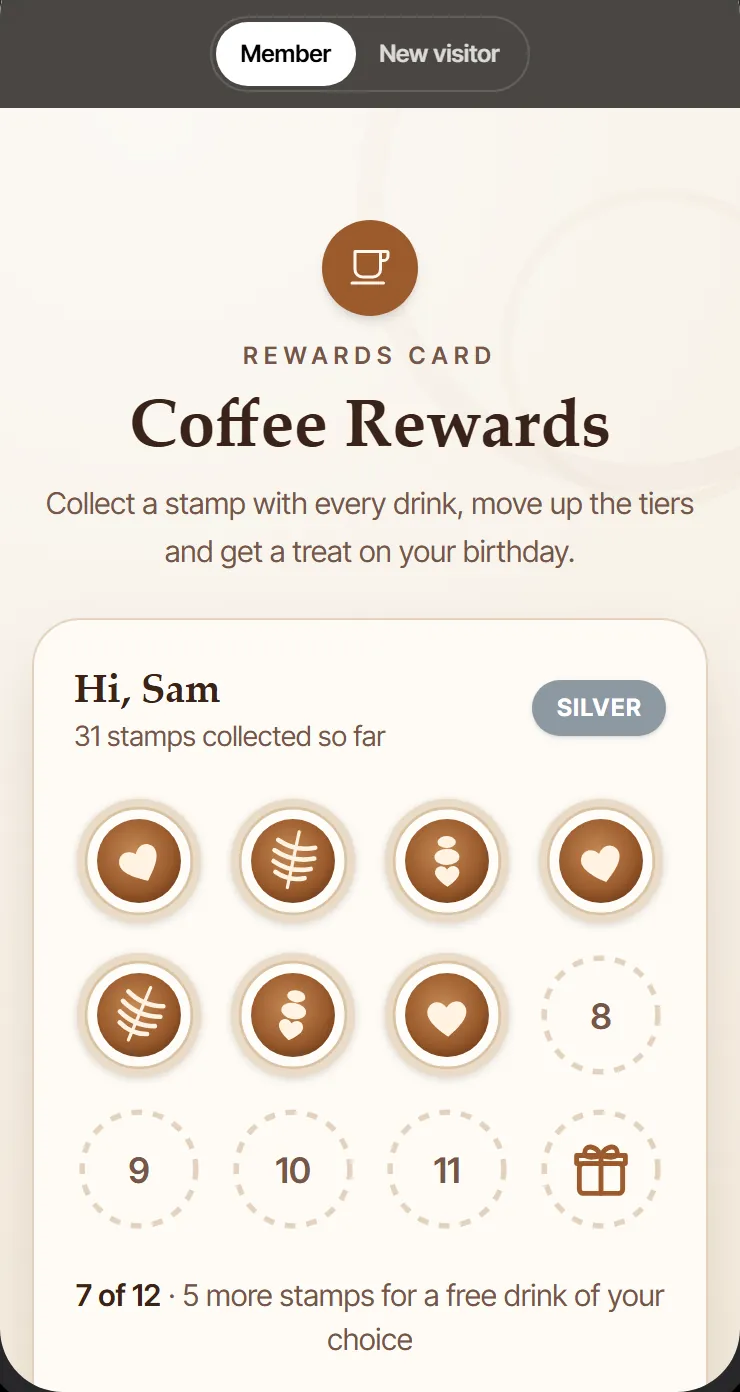
Loyalty cards
A stamp card that lives in the phone’s browser. Staff add stamps with a PIN.
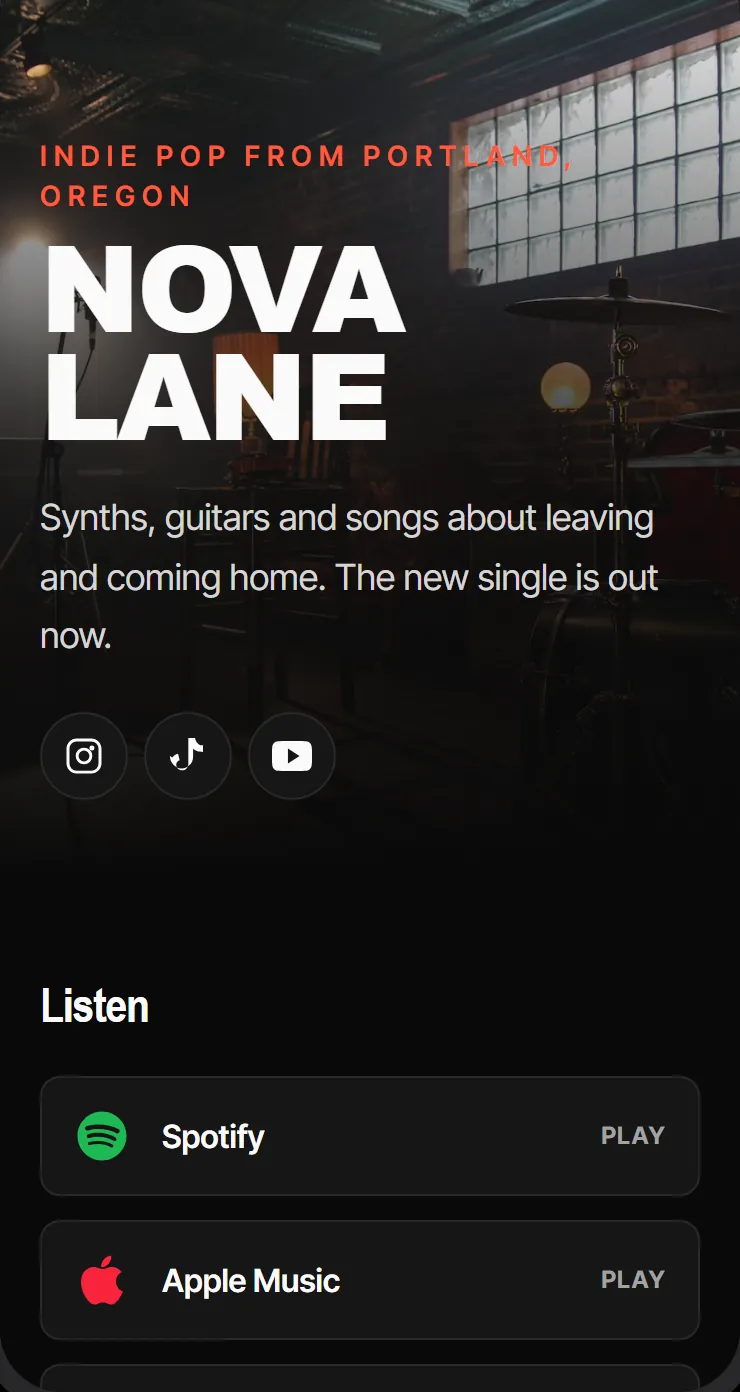
Link-in-bio pages
Your music, videos, shop and socials on one page, behind one code.
Turn your code into art that still scans
Every image in this section was made this way, and every one opens circulateqr.com. Try scanning one.
Describe a scene
Write what you want, like “a summer festival poster lit by string lights”, or start from a ready-made scene.
The AI paints your code into it
Google’s Gemini image model draws the picture with your working QR code built in.
Every image is test-scanned
A QR reader checks each image before you get it. If the AI drew the code wrong, the real code is redrawn in the same spot and checked again.
If an image still can’t be read, it’s marked “Not verified”, so you know to make another before you print. AI art uses AI credits: paid plans include them every month (from 10 on Studio), and anyone can buy a pack ($9 for 10 AI credits).
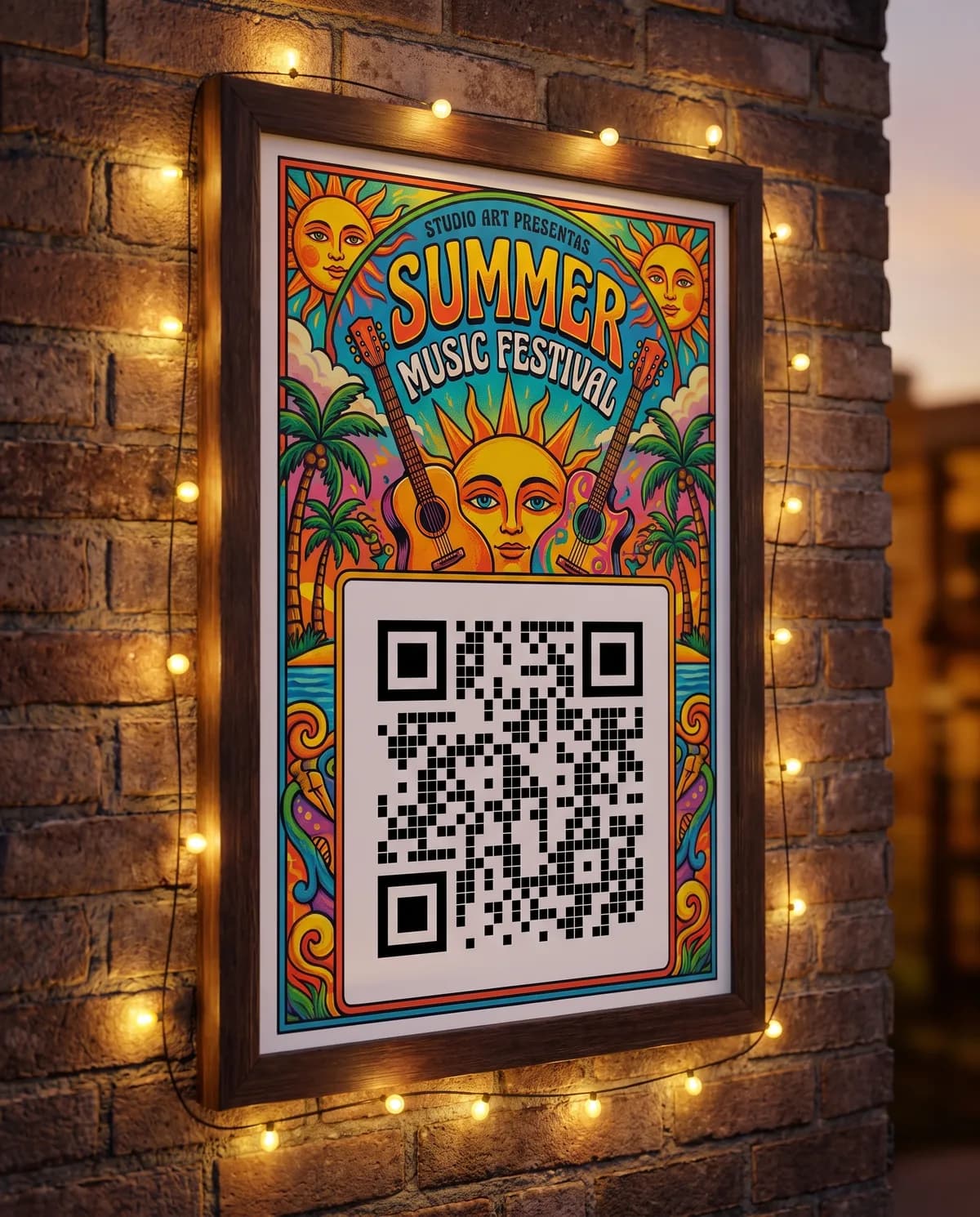
Café menuScans as the AI drew it Bar & nightlifeCode redrawn by the scan check 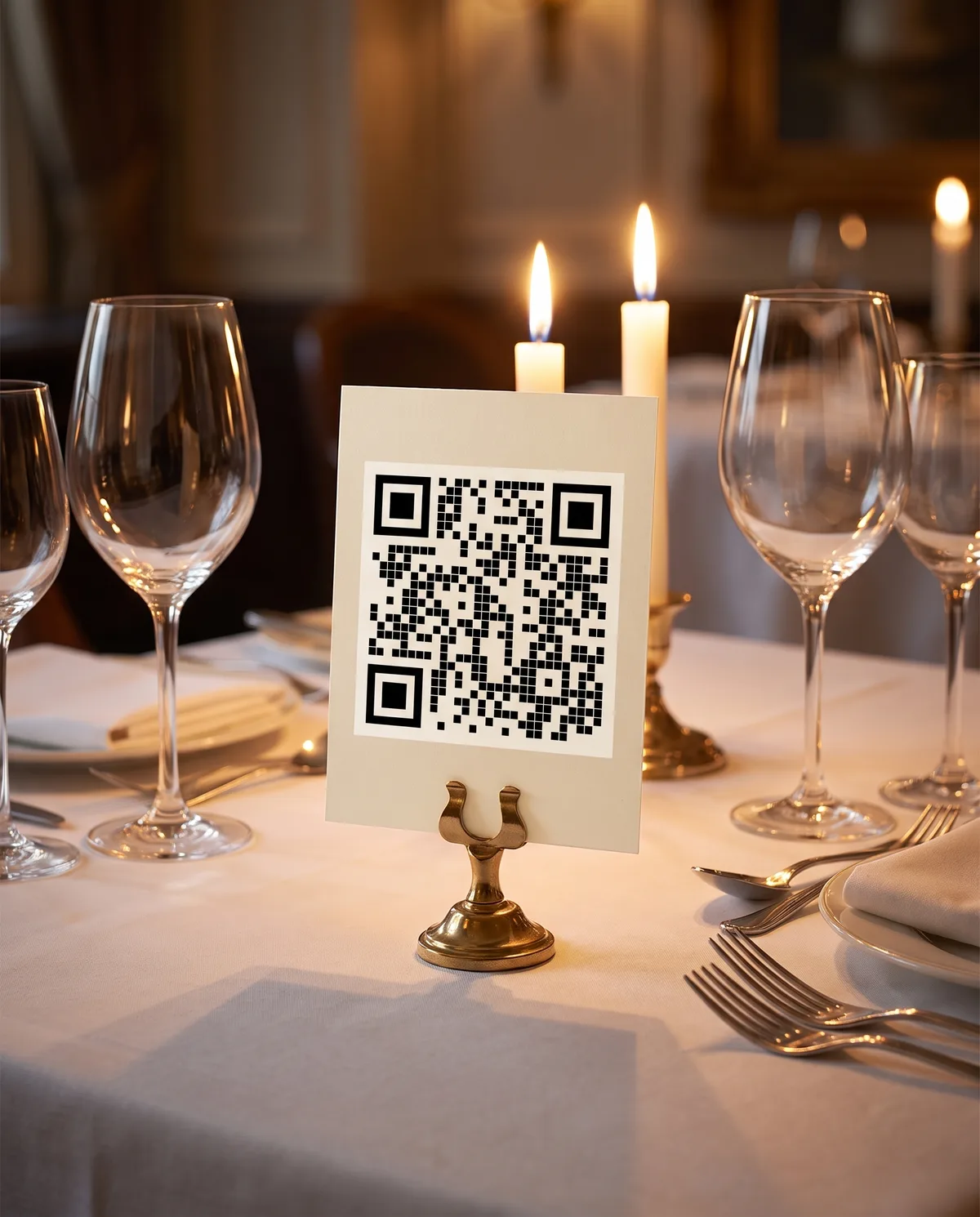
Restaurant tableScans as the AI drew it 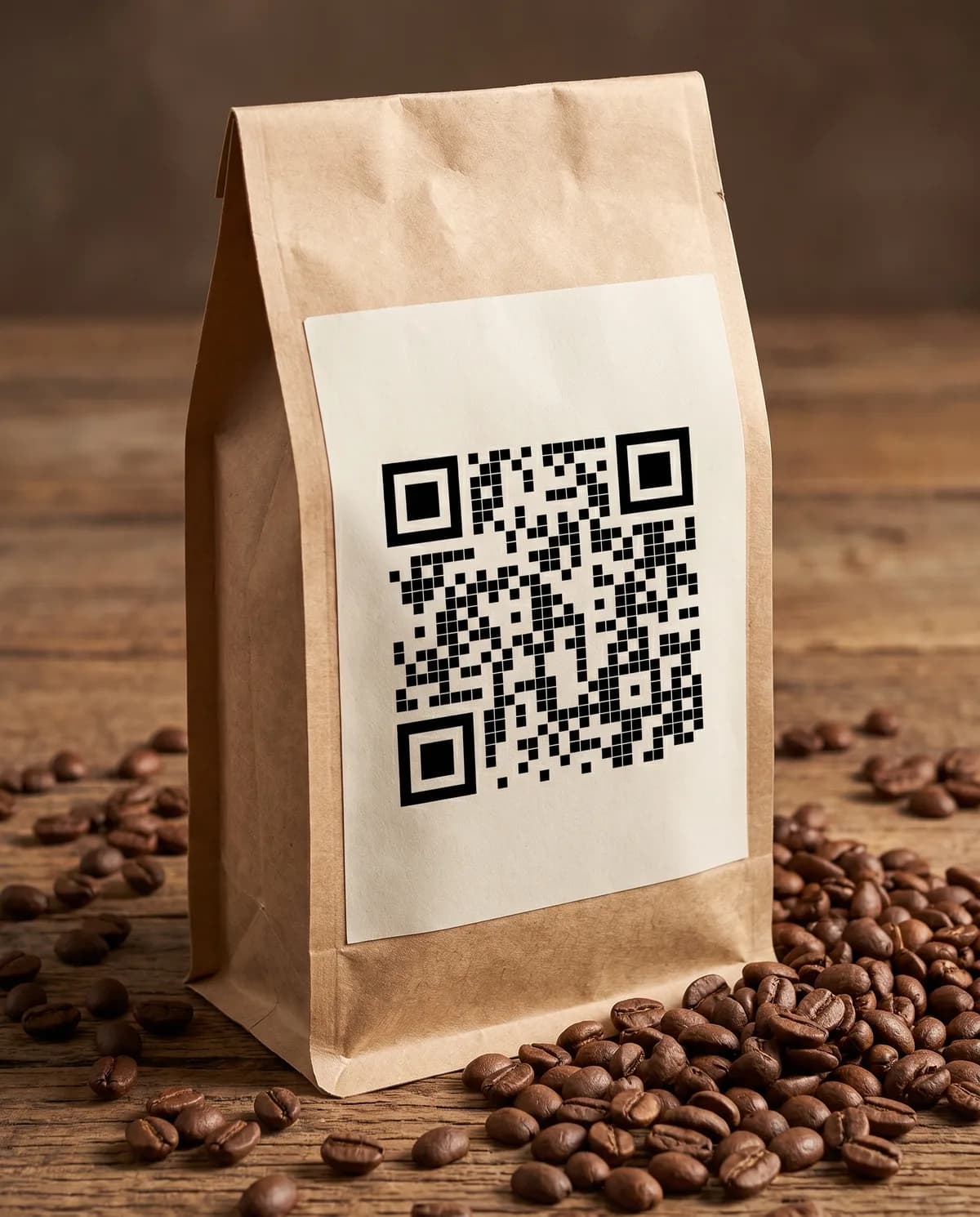
Product packagingScans as the AI drew it 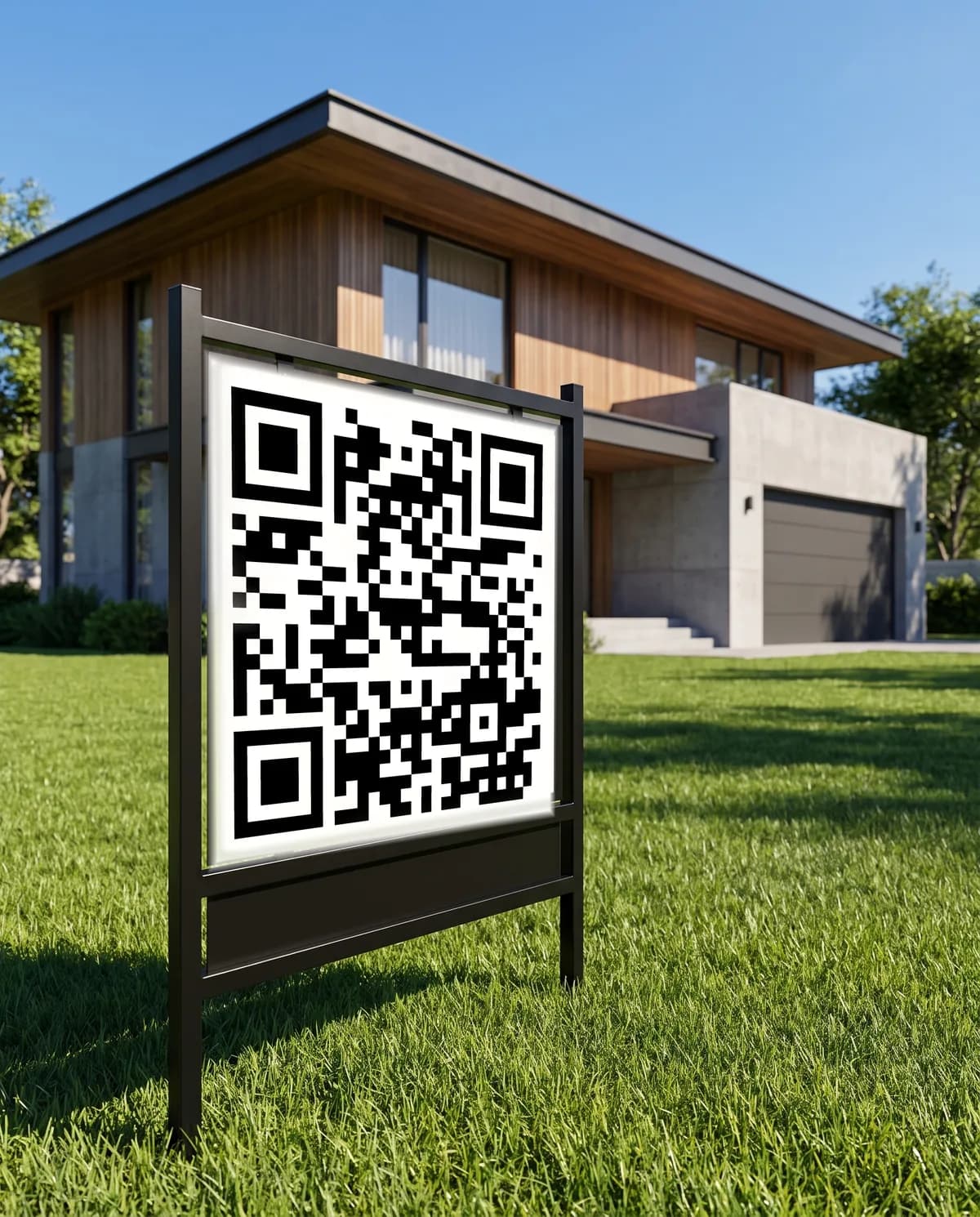
Property signCode redrawn by the scan check 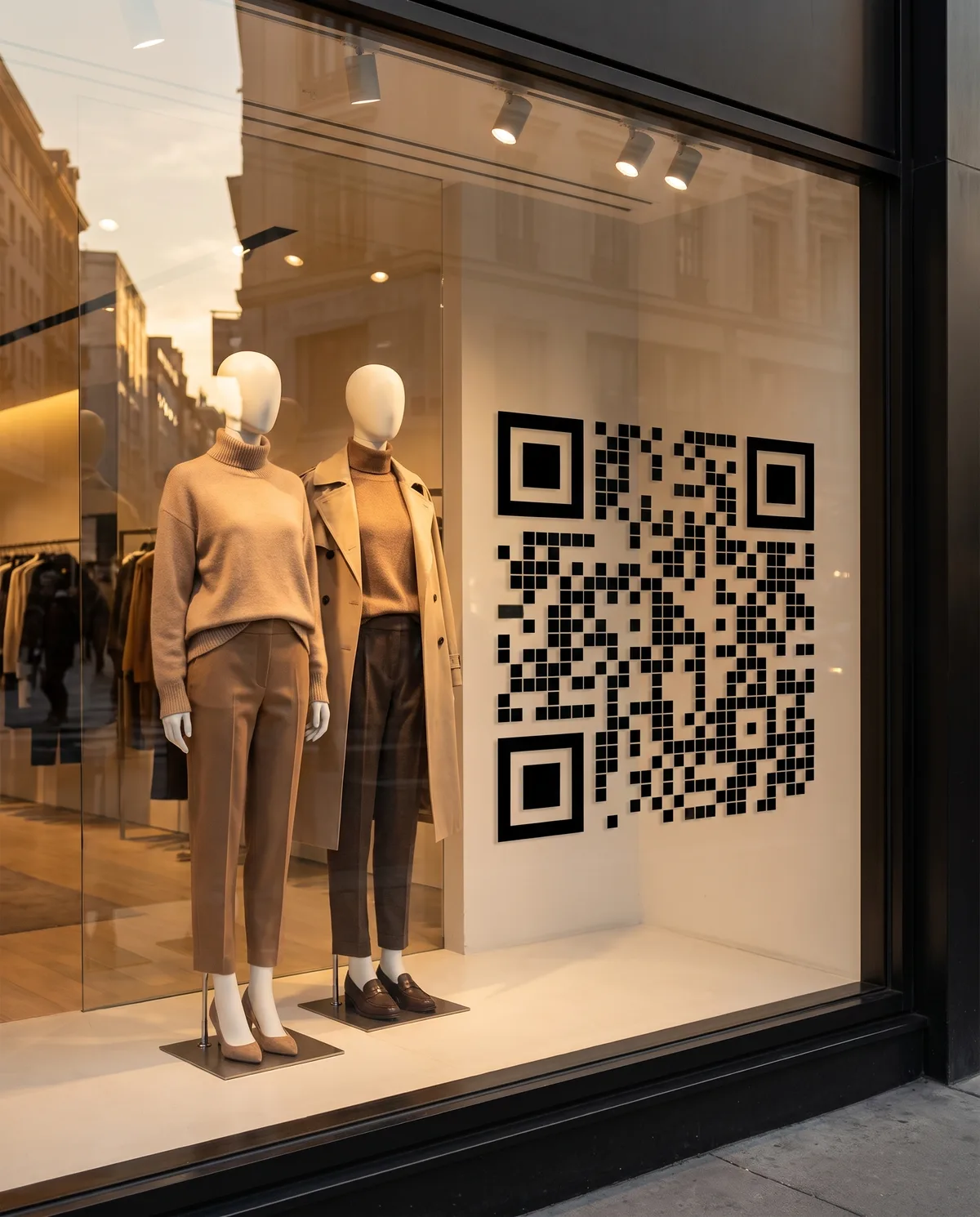
Shop windowScans as the AI drew it
Everything your QR code can do
The code, where each scan goes, the page it opens and what happens next, all in one place.
Change it after printing
Point the code at a new link or page whenever you like. The printed code stays the same.
See who scans
How many people scan, when, roughly where and on what phone. No names, and IP addresses are never stored in full.
Send people to the right place
Open the App Store on iPhones and Google Play on Android, or a Spanish page on Spanish phones. Paid plans add rules by time of day.
Beautiful by default
Your colors, rounded or dot shapes, or a code built into AI art. Download PNG, SVG or a print-ready PDF.
Menus, pages and forms built in
Menus, table ordering, event pages, forms and contact cards, hosted for you. No website needed.
Games and loyalty
Stamp cards, scratch cards and scavenger hunts that bring people back, with no app to install.
What you can count on
- Free plan, no credit card
- Static codes never expire
- Every AI code is test-scanned
- Cancel anytime
- Download PNG, SVG or PDF
Start free. Upgrade when you need more.
Every plan includes unlimited scans and unlimited static codes that never expire.
Standard
Free
Unlimited static codes, plus up to 5 dynamic codes live at once (14 days each).
Studio
$15/month
100 dynamic codes a month, your logo and brand colors, and 10 AI art generations a month.
Artisan
$39/month
50 AI art generations a month, every AI scene template and a year of scan history.
Stealth
$149/month
Unlimited dynamic codes, 250 AI art generations a month and the full API, for agencies and big rollouts.
Pay yearly and save 19%. Change or cancel your plan anytime.
What is the most advanced QR code generator?
CirculateQR is built to be the most advanced QR code platform. It checks that AI artwork actually scans, lets you change a code after printing, routes each scan by device, language, time, location or weather, hosts menus, ordering, forms, loyalty cards and games, forwards scans to Meta, GA4 and TikTok, and has a REST API with signed webhooks. You can start free.
Can I change a QR code after printing?
Yes, if it is a dynamic QR code. A dynamic code points to a short CirculateQR link, so you can change where it goes, or add routing rules, without reprinting. Static codes, like WiFi codes, hold their content in the pattern and can't be changed. On the free plan, up to 5 dynamic codes can be live at once, each for 14 days unless you upgrade or unlock the code for a one-time $5 (up to 3 codes per account).
Are AI QR codes scannable?
They can be, but AI images often break the code, so CirculateQR checks every one. After generating, it decodes the image and requires the exact link back. If that fails, the real code is redrawn into the same spot with matching perspective and lighting, then checked again. Anything still unverified is flagged so you can test it with a phone before printing.
Is there a free plan?
Yes. The Standard plan is free: 10 QR credits a month; up to 5 dynamic codes live at once, each live 14 days unless upgraded or unlocked for $5 (up to 3 codes per account); unlimited static codes. It also has every QR and page type and 7 days of scan analytics. No AI credits are included, but you can make AI art on the free plan by buying an AI credit pack (from $9 for 10 AI credits; packs never expire). Paid plans start at $15 a month.
What is the difference between a static and a dynamic QR code?
A static code stores its content (a link, WiFi login or contact) in the pattern itself: it is free and never expires, but it can't be edited or tracked. A dynamic code stores a short link that redirects, so you can change the destination, route scans and see analytics.
Can one QR code send people to different places?
Yes. Routing rules pick the destination for each scan by device (iPhone or Android), phone language, time of day, location, weather or scan count, or split traffic for an A/B test. Device and language routing are free; time and location routing, scan-count and returning-visitor rules and A/B tests come with Studio ($15/month) and up, and weather routing with Artisan.
Does CirculateQR have an API?
Yes. Artisan includes a read-only REST API (10,000 requests a month). Stealth adds write access, 100,000 requests a month and batch creation of up to 1,000 codes per call. Signed scan webhooks are available on every plan.
Make your first QR code today
Start with a link, a menu or a piece of art, and change it whenever you like. It’s free to start, and you won’t need a credit card.